Saudi Tahqaq adds QR and file checks: a workplace guide
Saudi access conditions, sensitive-file handling and why a scan must stay separate from payment approval.
Saudi Arabia's National Cybersecurity Authority says its Tahqaq service now checks files and QR codes alongside links. The useful question for a security team is where that check belongs in an employee's decision to open a document, follow a link or approve a payment.
The NCA announcement, dated 7 October 2026, describes the additions as part of Cybersecurity Awareness Month. It places Tahqaq within the Haseen cybersecurity-services portal, delivered with NCA's technical arm, SITE, and identifies portal and WhatsApp access channels.
That is a useful awareness tool. It should not become a company rule that a reassuring scan result authorises the next business action. The person requesting payment, the destination account and the sensitivity of an attachment still need separate checks.
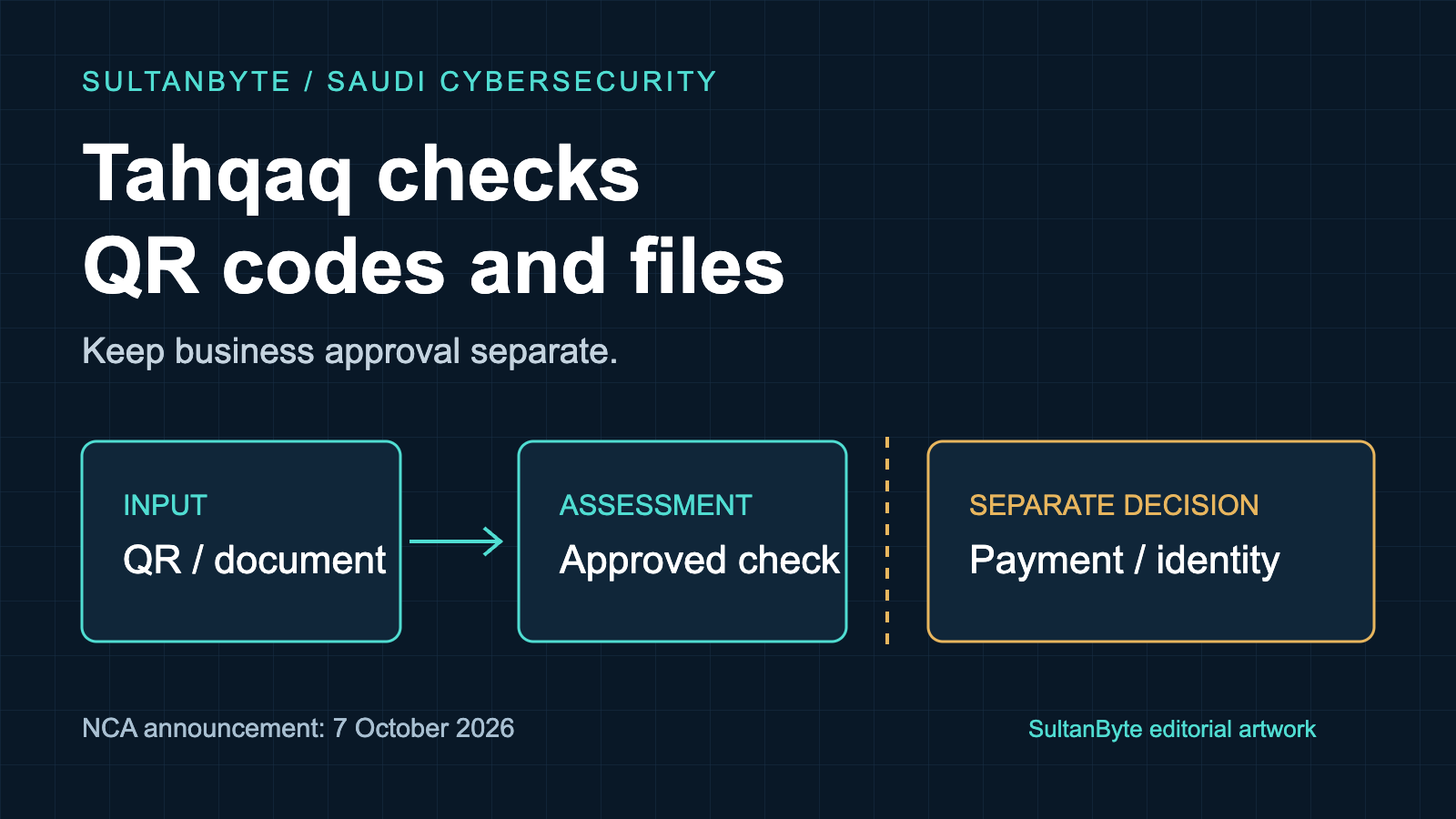
Cover: original SultanByte artwork showing QR/document input and an approved check, with business approval kept separate.
What the announcement establishes
NCA says file and QR scanning have been added to the existing link-scanning capability. Its announcement explains the intended reduction in cyber threats; it does not publish a detection benchmark, false-negative rate or independently measured reduction in incidents.
There is also a timing detail worth preserving. The NCA file-service page labels the service as beta and displays a 21 June 2026 update date. Treat 7 October as the date of this announcement, rather than claiming it proves the first day file scanning was available.
The file-service documentation describes automated analysis and feedback on results. It lists Arabic and English support. Those features make it relevant to a bilingual Saudi workplace, but they do not establish an enterprise integration contract or permission to send customer documents to the service.
Our recommendation is to introduce it through a narrow employee guide, with the security team's approved submission rules attached. Keep claims about effectiveness limited to what has actually been tested.
Saudi access is not a Gulf-wide rollout
The file-service page contains details that a regional rollout plan should not overlook. Its Terms and Conditions tab specifies a Saudi IP address and compliance with permitted file types and sizes. Its Steps tab asks for a Saudi mobile number and a verification code.
That is more specific than the page's summary field, which lists no requirements. Use the detailed conditions when planning access, and verify the current workflow before promising that every employee can use it.
For a Saudi office, test the approved route with a harmless file from the actual corporate network and a properly authorised user. Check what happens when an item cannot be analysed. Do not send live customer material as a convenience test.
For a UAE office, do not assume the same access conditions are available or appropriate. Provide an internally approved reporting route instead of teaching staff to bypass geographic controls. A company operating in both markets can use the same escalation principles while keeping different service-access instructions. This is an operational distinction, not a comparison of national security effectiveness.
Check permission before uploading the file
A suspicious attachment can still contain confidential information. An invoice might expose a customer's details; a document supplied for review might include information the company has no authority to disclose to an external scanner.
OWASP's file-upload guidance explicitly warns about data leakage through public scanning services. That is a general caution, not evidence that Tahqaq leaks data. The practical consequence is to decide which material may leave the organisation before an employee uploads it anywhere.
Ask the security and privacy owners to approve the service for named information classes. Record the applicable terms, retention questions and escalation owner. Where those questions remain unresolved, keep the original in the company's approved handling process rather than improvising a public upload.
The employee instruction should be short: if the file contains sensitive information, or you cannot tell, report it internally without forwarding it to an unapproved service. Do not ask the employee to open the suspicious file to classify its contents.
A QR result cannot approve a payment
The US Federal Trade Commission's QR-code guidance describes codes that lead to spoofed websites and urges people to inspect destinations and contact organisations through a known channel. Its examples illustrate the mechanism; they are not evidence about the frequency of such attacks in Saudi Arabia.
A QR code on an invoice, parking notice or delivery message creates an immediate next action. The safe workplace policy should address that action, not merely whether a scanner flags the code.
For a payment request, confirm the intended recipient through the established finance workflow. For an unexpected login request, open the known application independently. A link that has not been flagged does not prove that the message came from the claimed sender or that a changed bank account belongs to the supplier.
CISA's archived phishing-awareness guidance recommends contacting the supposed sender through a separately verified route rather than using contact details in the suspicious message. That remains a useful training principle here; the archived page is not a statement of current Saudi policy.
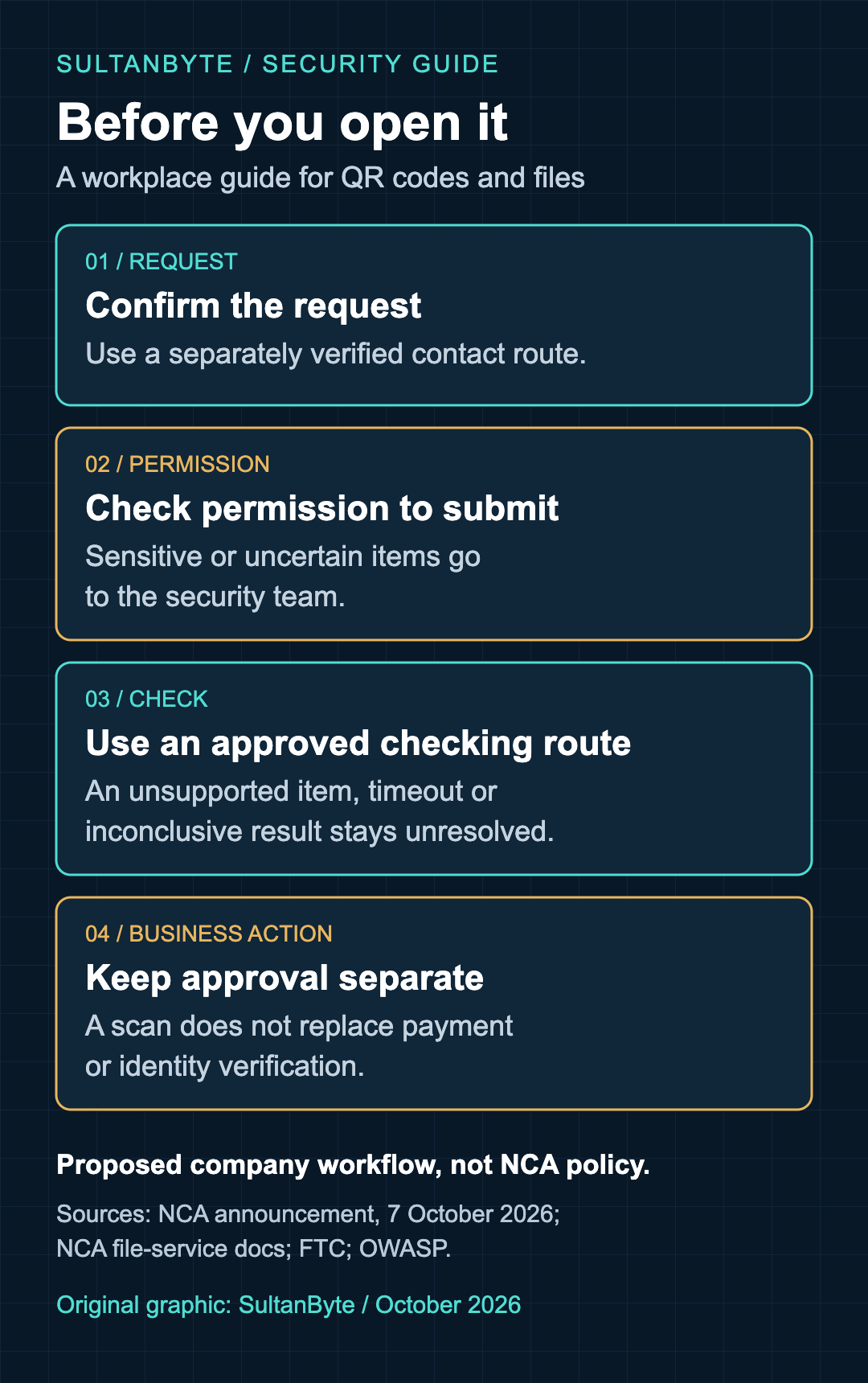
Graphic: SultanByte. Proposed workplace decision guide, informed by NCA's October 2026 announcement and file-service documentation, FTC QR guidance and OWASP file-upload guidance. It is not Tahqaq's interface or an official NCA procedure.
Give employees an outcome other than proceed
Write the internal response around what happened. An item flagged as suspicious should be held and reported through the approved channel. An unsupported item, timeout or inconclusive result should remain unresolved. A result without a warning can inform the review, but it must not override a suspicious business request.
These are proposed company handling rules, not a description of the result labels Tahqaq displays. Keep that distinction in the training material so staff are not searching for buttons or verdicts that the service may not use.
The security team should also define a route for someone who has already acted. The FTC's January 2025 alert about QR codes in unexpected packages advises changing credentials and enabling two-factor authentication after entering credentials on a fraudulent site. In a workplace, tell staff to contact the incident team promptly through a trusted route so it can coordinate account recovery and assess any further action.
Do not make the reporting process depend on the employee proving that an attack succeeded. A clear account of what they opened, entered or approved is more useful than a confident guess about whether the device is safe.
Make the awareness exercise test a decision
A useful pilot needs no live malware. Use harmless training examples: an unexpected payment request, a sensitive attachment that must not leave the approved environment, and an item the checking route cannot process. Tell participants which material is simulated and collect only the evidence needed to assess the workflow.
Measure whether employees choose the correct route and whether the receiving team can respond. Do not reward speed if it encourages uploads of confidential material. Give the guide an owner and review it whenever access conditions or the company's approved tools change.
Tahqaq's expanded scope gives Saudi employers a timely reason to update file and QR-code awareness. The release decision for that training should be concrete: employees know what they may submit, where unresolved items go, and why a scan does not replace payment or identity verification.