Session timeouts for MENA portals: recover saved work
An Arabic-English portal design for server-enforced expiry, accessible warnings and same-account draft recovery.
A procurement officer is halfway through a supplier form when the portal asks them to sign in again. The form disappears. Making the timeout longer might hide the problem for a while, but it does not define what should happen when the session eventually ends.
For Arabic-English business portals, design session expiry and work recovery together. The server must stop accepting expired credentials. The interface must explain what happened, and a returning user should be able to recover authorised work without accidentally submitting it twice.
This guide proposes a design for a server-session-based portal used by teams in Saudi Arabia and the UAE. These are deployment examples, not a claim that either country mandates the same timeout. The design is an engineering recommendation, not a tested implementation or legal advice.
Cover: original SultanByte artwork showing a session deadline beside a separately retained draft.
Define the clocks before building the warning
NIST's session-management guidance distinguishes an overall timeout from an inactivity timeout. Activity resets the inactivity timer; successful reauthentication resets both. Cookie expiry must not be relied on to enforce those limits.
Use that distinction in a written product contract. Specify which requests count as activity, which deadline the server enforces and what requires fresh authentication. Do not copy a duration from another application's login screen and call it a security policy.
For this proposed portal, background polling and automatic draft writes do not count as evidence that a person is still present. An explicit, accepted continuation action can refresh the inactivity deadline while policy permits it. It cannot move the overall reauthentication deadline. Review that activity definition against the authentication framework actually deployed.
OWASP's session-management guidance requires server-side expiry enforcement and distinguishes idle, absolute and session-ID renewal timeouts. Rotating an identifier is not the same as asking the person to authenticate again.
Implement expiry checks in the session service used by protected endpoints. A browser countdown is a presentation aid, not permission to accept a request. Define how an already accepted operation behaves if the deadline passes while it runs; avoid promising that expiry cancels work already committed.
Accessibility changes the interaction, not the authority
WCAG 2.2 success criterion 2.2.1, Timing Adjustable, is Level A. For content-imposed time limits, it provides alternatives including turning the limit off, adjusting it, or extending it, along with specified exceptions. The extension alternative requires a warning, at least 20 seconds for a simple extension action, and at least ten extensions.
A warning that appears for a few seconds before redirecting is therefore not automatically an accessible solution. Nor should a team assume that writing "security" in a ticket establishes the essential exception. Have the accessibility and security owners review the actual activity and chosen conformance approach together.
Two other criteria address different problems. SC 2.2.6, Timeouts, is Level AAA and concerns warning users about inactivity durations that can cause data loss, with an exception when data is preserved for more than 20 hours. SC 2.2.5, Re-authenticating, also Level AAA, concerns continuing without data loss after reauthentication. Neither should be presented as an extra Level AA requirement, and satisfying one does not settle the others.
For the proposed workflow, disclose the inactivity rule before the long form starts. Explain whether drafts are retained, for how long and what the user must do to recover them. Preserve work separately from permission to keep using the session. That lets security policy end access without making data destruction its default consequence.
Make the warning describe a real server decision
Have the server return non-secret session-status metadata: the relevant deadline, the server's current time and whether continuation or reauthentication is required. Do not expose the session credential to the countdown code.
The client can use those values to schedule a warning. The HTML Standard explicitly says timers are not guaranteed to execute exactly on schedule. Build for delayed callbacks rather than assuming that decrementing a counter every second tracks the server.
On returning to a sensitive page, reconcile with the server before enabling protected actions. If the network is unavailable, show that session status cannot be confirmed. Do not claim that a click extended the session until the server confirms it. If a continuation request arrives after expiry, require authentication instead of reviving the expired credential.
Use one explicit primary action: "Continue session" when extension is available, or "Sign in to continue" when fresh authentication is required. Explain the draft consequence alongside it. A useful warning might say that the saved draft will remain available after sign-in, but only if that persistence has actually succeeded.
The WAI-ARIA alert-dialog pattern describes an interrupting message that requires a response. If that is the chosen pattern, implement its accessible name, description and modal behaviour together. Setting a role does not create keyboard interaction or make the background inert.
For Arabic and English, test the warning with keyboard navigation, screen readers and zoom. Keep the action labels explicit in each language. Avoid announcing every countdown tick; announce the warning and meaningful state changes. A dense timer should not drown out the explanation of how to keep working.
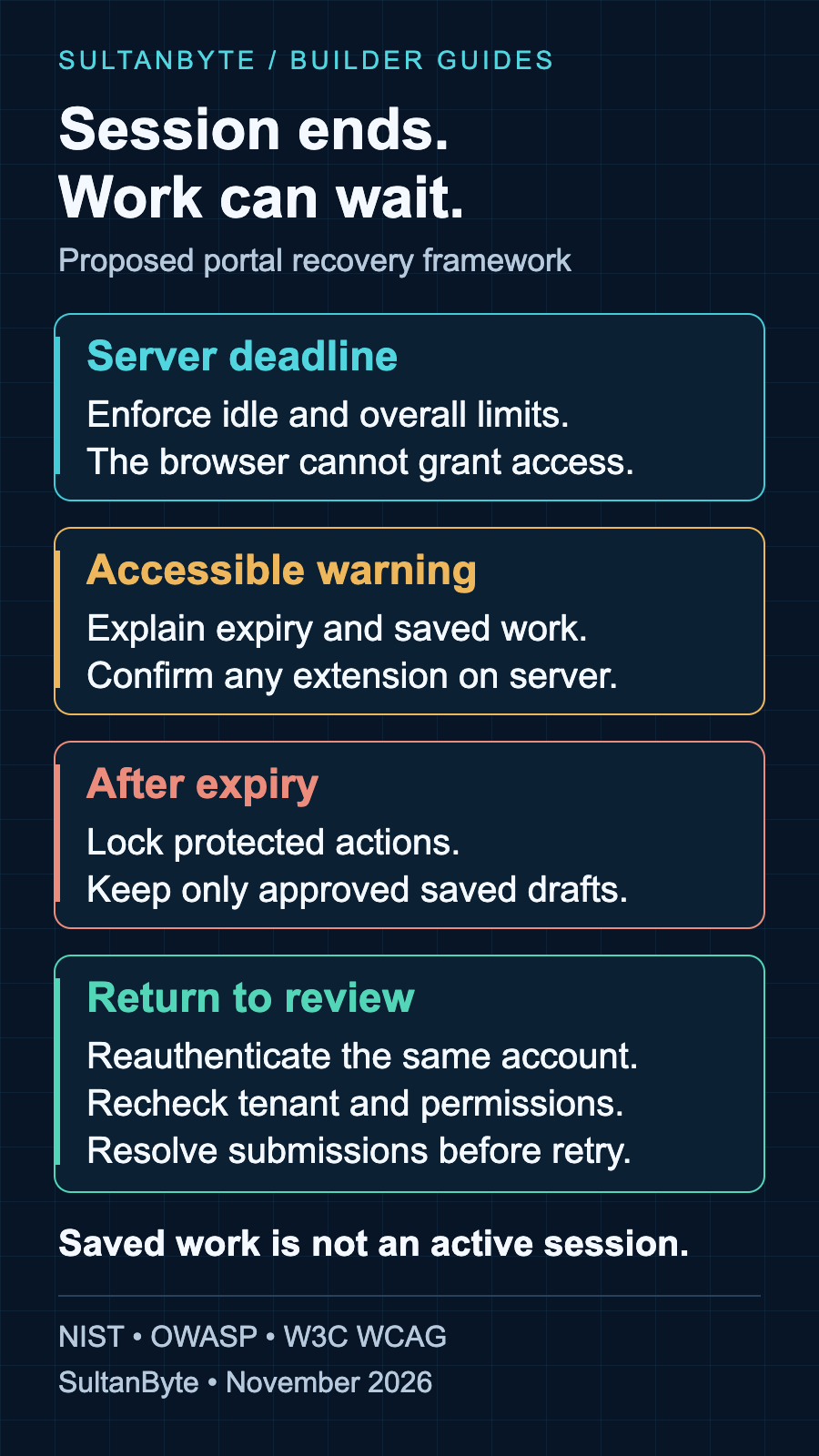
Infographic: original SultanByte proposed workflow, November 2026. Informed by NIST session management, OWASP and W3C WCAG guidance. This is a design framework, not a compliance certification.
Retain a draft without retaining an unlocked session
For this portal, use a server-side draft record with an owner, tenant, revision and retention deadline. Save only the fields approved for draft storage. A draft should not contain authentication secrets, and it should not become visible merely because someone possesses its URL.
Show the last confirmed save rather than a generic "Saved" message that stays on screen during failures. If the most recent edits exist only in memory, say so. A server draft cannot recover changes it never received. Decide explicitly how the product handles that gap before promising lossless recovery.
On a shared workstation, do not introduce persistent browser storage as a quick timeout fix. It creates a separate device-access and cleanup problem. SultanByte's shared-device logout guide covers that handover boundary; this design instead retains approved work on the server and locks the client view when access ends.
Draft retention also needs a deletion policy and an operational owner. A UAE deployment and a Saudi deployment may have different contractual or sector-specific requirements. Record the approved storage location, retention duration and access model separately for each deployment. Do not label a common software setting as proof of local compliance.
After reauthentication, require the same account and tenant before offering the draft. Recheck current permissions and fetch its latest revision. If the user signed in as someone else, show that account's workspace rather than attaching the previous person's form to the new session.
Recovery should reopen review, not replay submission
There is a dangerous edge between expiry and a business action. A user clicks Submit, the request reaches the service, and the browser loses the response. Signing in again does not reveal whether the operation succeeded.
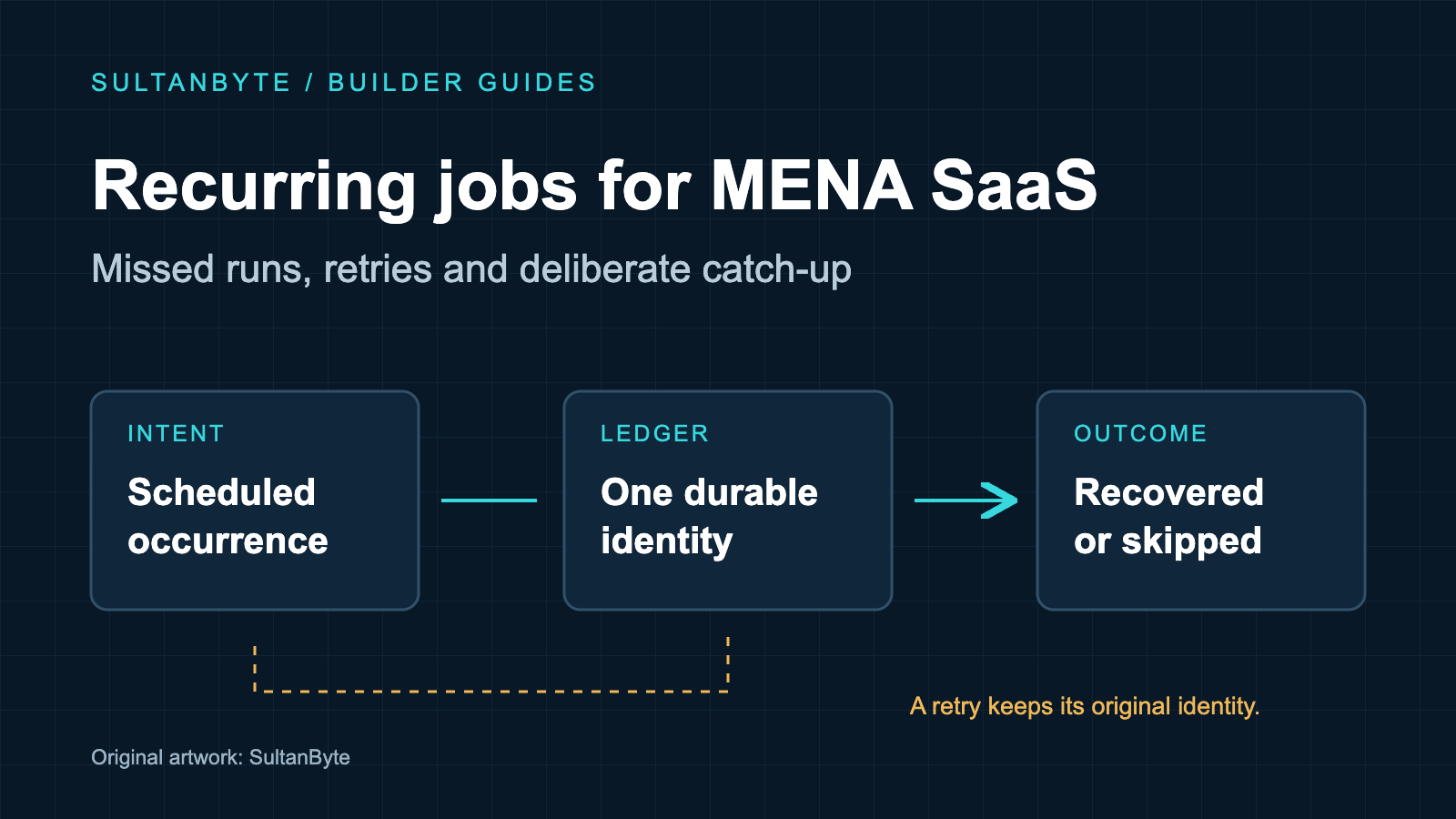
Give the submission a durable operation identity and a status lookup scoped to the authorised account and tenant. After authentication, query that outcome before offering a retry. An unknown result is not the same as a failed result. Keep this distinction visible, especially for purchase approvals and changes that trigger downstream payments.
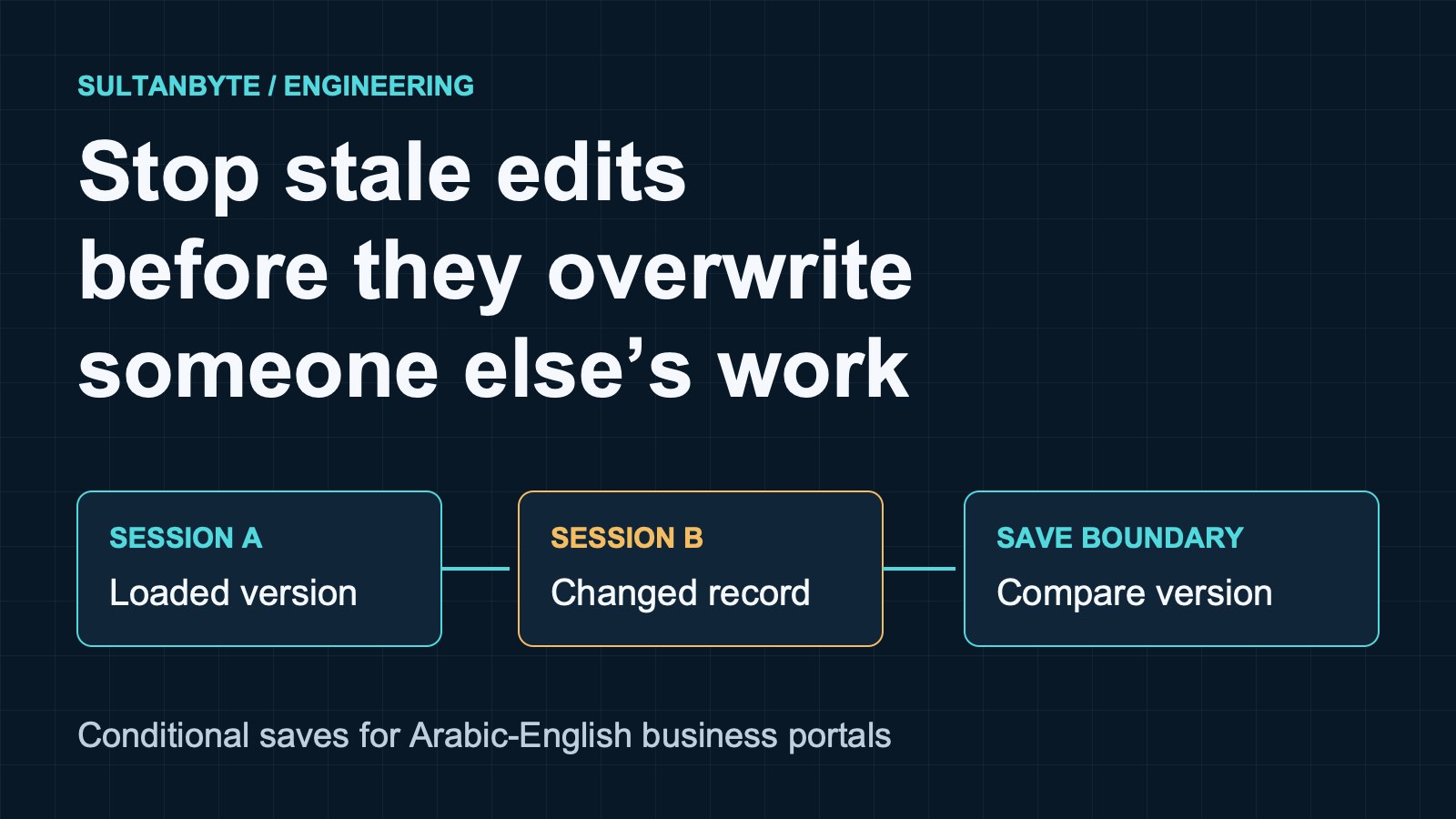
The restored draft is also not evidence that its referenced data remains valid. A supplier can be disabled, a role removed or an approval threshold changed while the user is away. Revalidate at final submission. When the draft concerns an existing record, use the application's concurrency contract rather than overwriting a newer revision. The conditional-saves guide covers that separate check.
If the portal uses a federated identity provider, confirm what the return trip proves. NIST explains that identity-provider and relying-party sessions are independent; an unexpired provider session can produce another assertion without explicit reauthentication. Require the authentication freshness your application policy calls for, rather than treating any successful redirect as fresh user presence.
Ship the failure cases with the feature
Before release, use synthetic accounts and forms to exercise these acceptance cases:
- Leave automatic polling running without human interaction. The documented inactivity policy must still take effect.
- Delay the continuation response until after expiry. The interface must not display a renewed session without server confirmation.
- Suspend and restore the page across the deadline. Protected controls must remain unavailable until session validation succeeds.
- Interrupt draft saving before the warning. The recovery message must distinguish confirmed saved data from unsaved edits.
- Reauthenticate into another tenant or account. The previous draft must not appear or be submitted under the new identity.
- Lose a submission response, then sign in again. The client must resolve the operation's status before retrying.
- Complete the warning and recovery flow in Arabic and English with a keyboard and screen reader. Check focus after recovery as well as inside the dialog.
Record the observed result for each supported browser and authentication route. These are proposed release tests, not benchmark results. The release decision should depend on whether expired access is rejected and authorised work can be recovered honestly, not merely on whether the countdown looks correct.
About the author
- I have lead the Engineering for multiple startups in UAE. I also have my own agency qualascend.com.
Comments
Join the discussionNo comments yet. Be the first to comment.
Builder Guides
Practical architecture, engineering, security and implementation guides for teams building technology in MENA.